Configured by EMARQUE
EMARQUE AI Eclipse
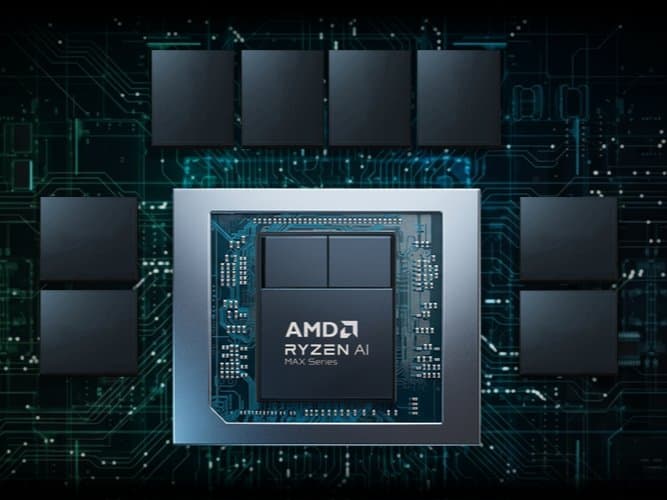
- AMD Ryzen AI Max+ 395: 16 Zen 5 cores and Radeon 8060S graphics
- 128 GB LPDDR5X-8000 unified memory at 256 GB/s
- Up to 120 GB of it for the graphics on Ubuntu, 96 GB on Windows
- XDNA 2 NPU, up to 50 TOPS (AMD figure)
- 1, 2 or 4 TB Gen 4 NVMe, with Windows 11 Pro or Ubuntu Linux
- Two 10 GbE ports and a two-year warranty handled by EMARQUE
Prices for each storage size are on emarque.co, and Windows or Ubuntu Linux costs the same. For several units or a setup, ask us for a quote.
Key features

128 GB the graphics can use

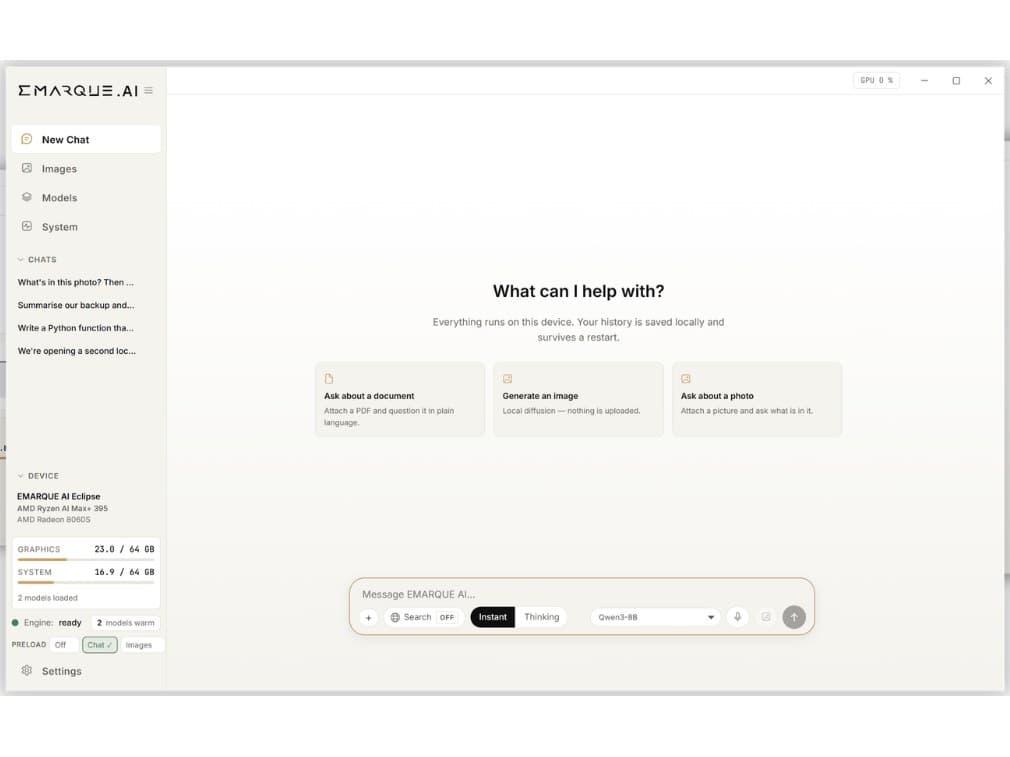
The EMARQUE AI Utility, set up for you

Windows or Ubuntu Linux, at the same price

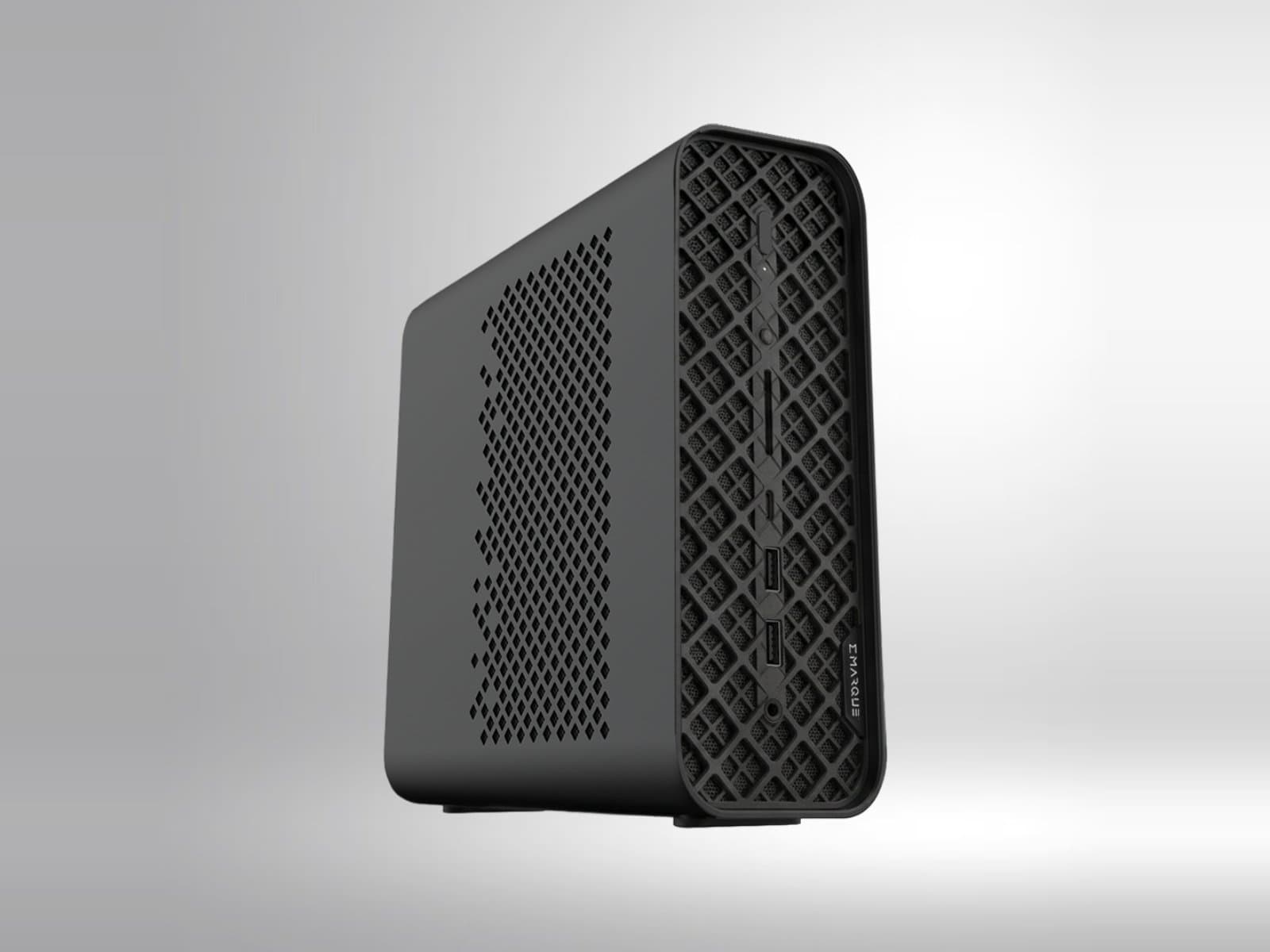
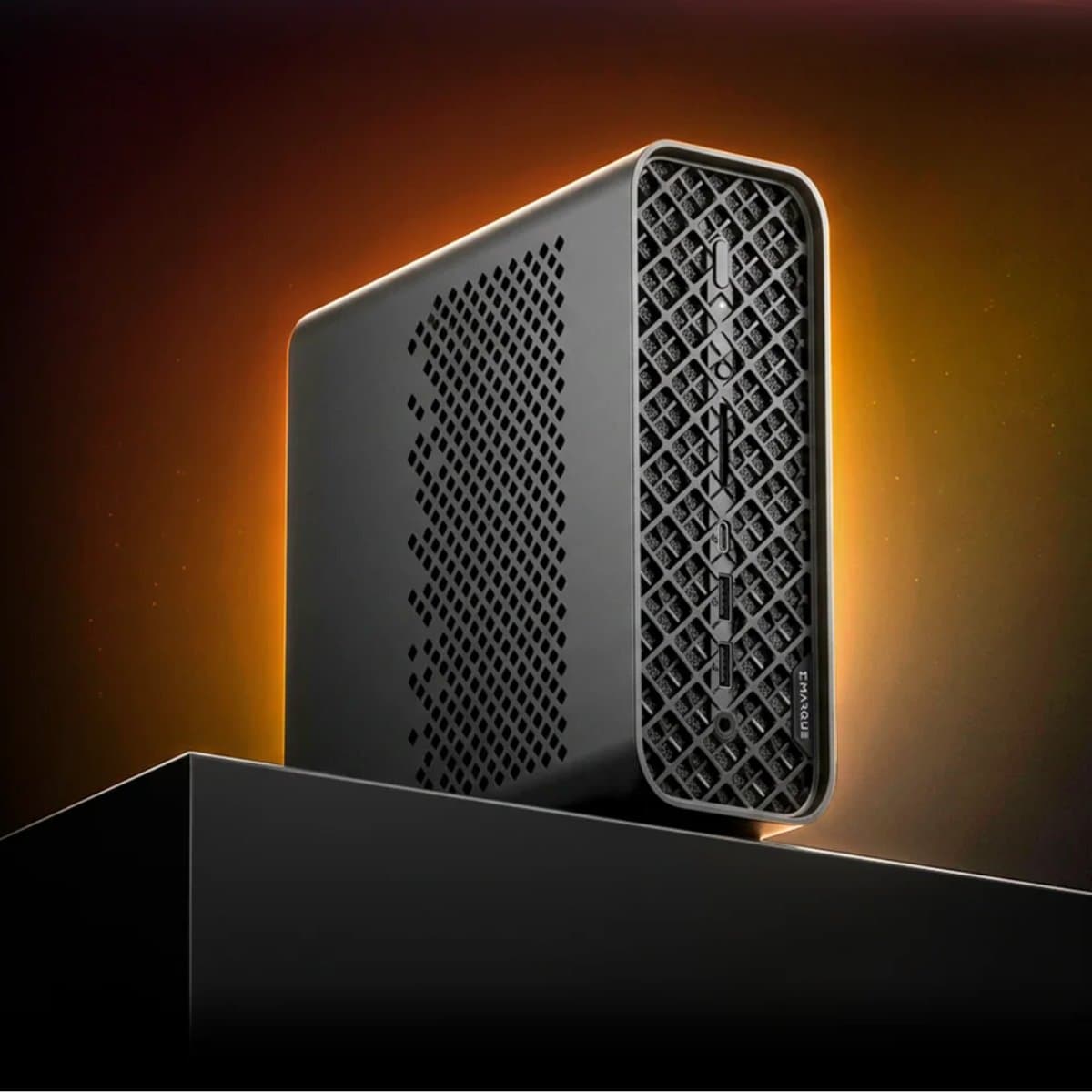
Made to sit beside a monitor
Use cases


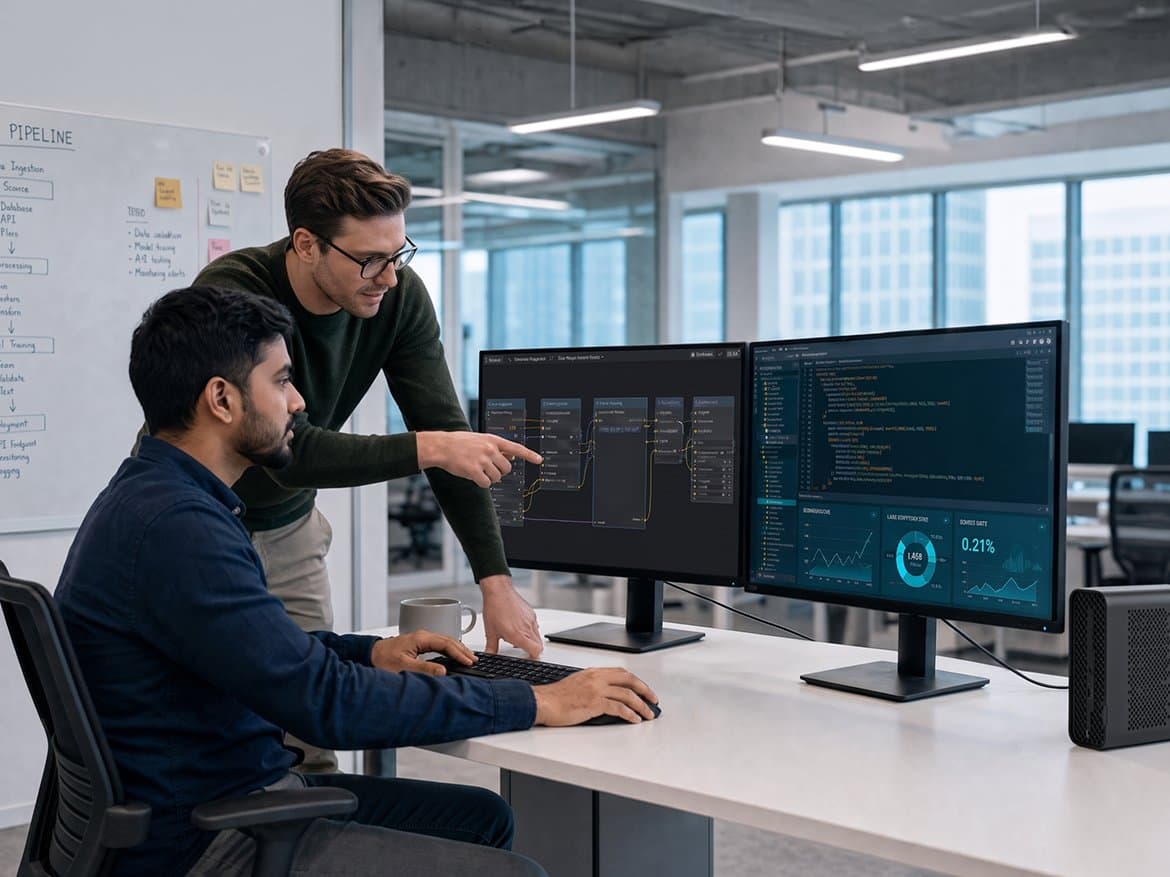
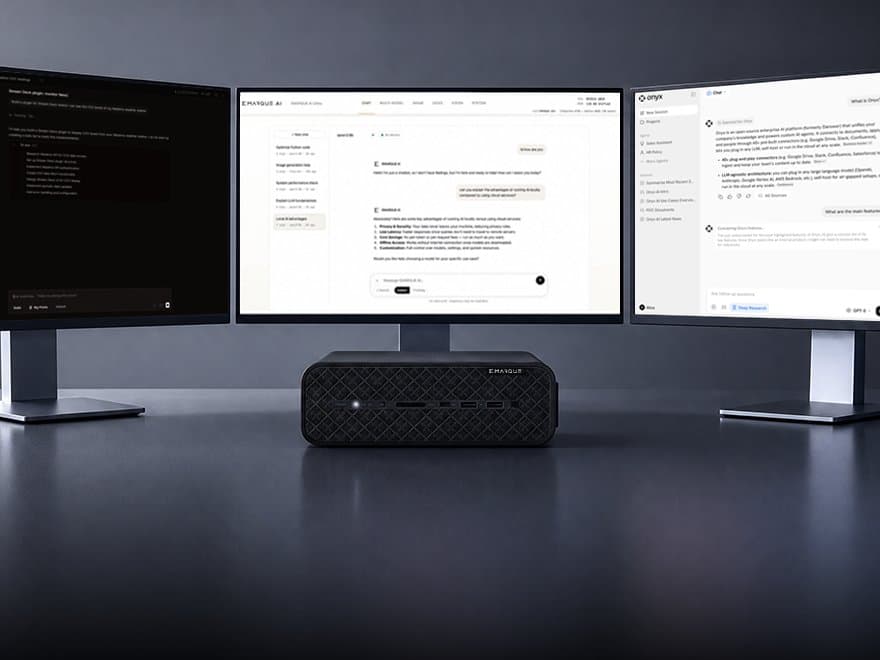
One model for the whole office

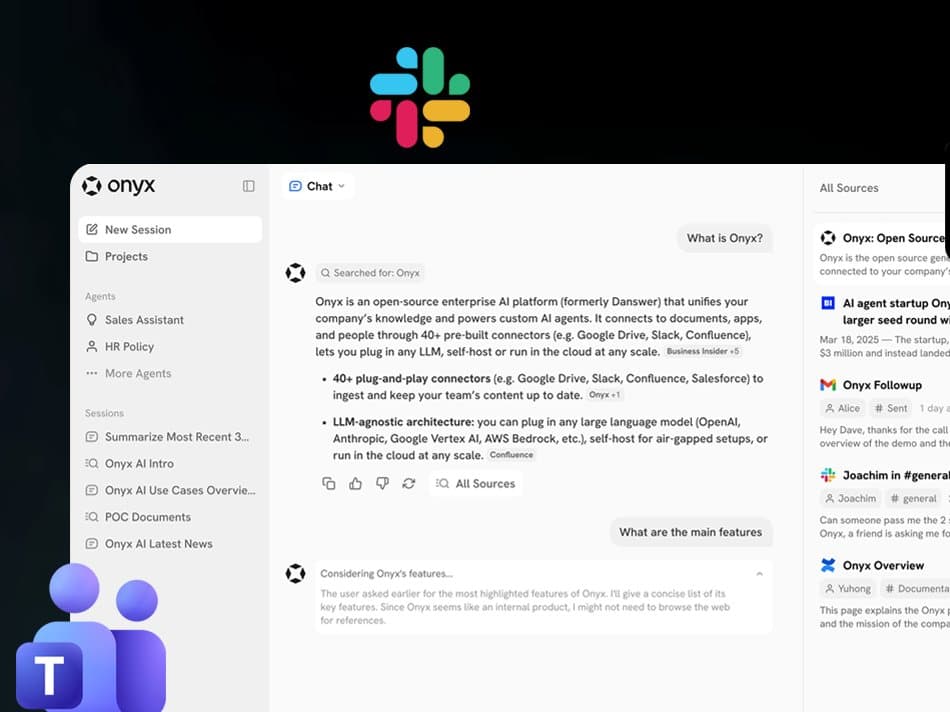
Connected to the software you run

The platform underneath
Eclipse or NVIDIA DGX Spark?
Both put 128 GB of unified memory on a desk. They differ in the platform, the software around it and how they connect.
- Processor
- EclipseAMD Ryzen AI Max+ 395, with a 16-core Zen 5 x86 CPU and Radeon 8060S graphics
- DGX SparkNVIDIA GB10 Grace Blackwell Superchip, with a 20-core Arm CPU
- Memory
- Eclipse128 GB unified LPDDR5X-8000 at 256 GB/s
- DGX Spark128 GB unified LPDDR5x at 273 GB/s
- Software
- EclipseWindows 11 Pro or Ubuntu Linux, your choice; AMD ROCm and PyTorch on Ubuntu
- DGX SparkDGX OS, with CUDA and NVIDIA's AI software installed
- Networking
- EclipseTwo 10 GbE ports, no Wi-Fi
- DGX SparkConnectX-7 at 200 Gb/s, 10 GbE and Wi-Fi 7
- Buying
- EclipseOn emarque.co, or a quote from us for several
- DGX SparkSeven builds on emarque.co, or a quote from us
- Warranty
- EclipseTwo years, handled by EMARQUE in Malaysia
- DGX SparkThe maker's, one or three years by build; we handle claims in Malaysia
Choose the Eclipse for Windows, or a standard x86 machine on Ubuntu with AMD's ROCm, and two 10 GbE ports for serving models on your network.
Choose the DGX Spark for CUDA and NVIDIA's software, or to link two units for models of up to 400 billion parameters (NVIDIA figure).
Measured speed
Average tokens per second on our own units, across models from 26 to 125 billion parameters. Size alone does not set the speed: a Mixture-of-Experts model works only a few billion of its parameters on each token, so the 26B one here runs more than twice as fast as the dense 27B.
- GPT-OSS 120B MoE~50 tokens/s
- Gemma 4 26B-A4B MoE~47 tokens/s
- Qwen3-Coder-Next 80B-A3B MoE~43 tokens/s
- Qwen3.8-Flash-Next 125B-A6B MoE~38 tokens/s
- Qwen3.8-27B Dense~20 tokens/s
Recorded in our own testing, one user at a time. Real speed varies with the model, quantisation, context length and runtime, so treat these as a guide, not a guarantee.
Specifications
Choose 1, 2 or 4 TB of storage and Windows 11 Pro or Ubuntu Linux when you order.
- CPU
- AMD Ryzen AI Max+ 395: 16 cores, 32 threads, Zen 5, up to 5.1 GHz
- GPU
- AMD Radeon 8060S, 40 RDNA 3.5 compute units
- AI compute
- XDNA 2 NPU up to 50 TOPS; 126 TOPS across the platform (AMD figures)
- Memory
- 128 GB LPDDR5X-8000, unified, 256 GB/s; soldered, not upgradeable
- GPU memory
- Up to 96 GB on Windows; up to 120 GB on Ubuntu Linux, set up by us before shipping
- Storage
- 1, 2 or 4 TB Gen 4 ×4 M.2 NVMe SSD
- OS
- Windows 11 Pro or Ubuntu Linux, chosen when you order
- Networking
- 2 × 10 GbE (RJ45); no Wi-Fi or Bluetooth
- Front ports
- 2 × USB 10 Gbps Type-A, 1 × USB4 40 Gbps Type-C (DisplayPort 2.0, 15 W out), SD 4.0 card reader (UHS-II, SDXC), 3.5 mm audio
- Rear ports
- 2 × USB 2.0 Type-A, 1 × USB 10 Gbps Type-A, 1 × USB4 40 Gbps Type-C (DisplayPort 2.0, 15 W out), HDMI 2.1 (4K at 60 Hz, HDR), DisplayPort 1.4a, 3.5 mm audio
- Form factor
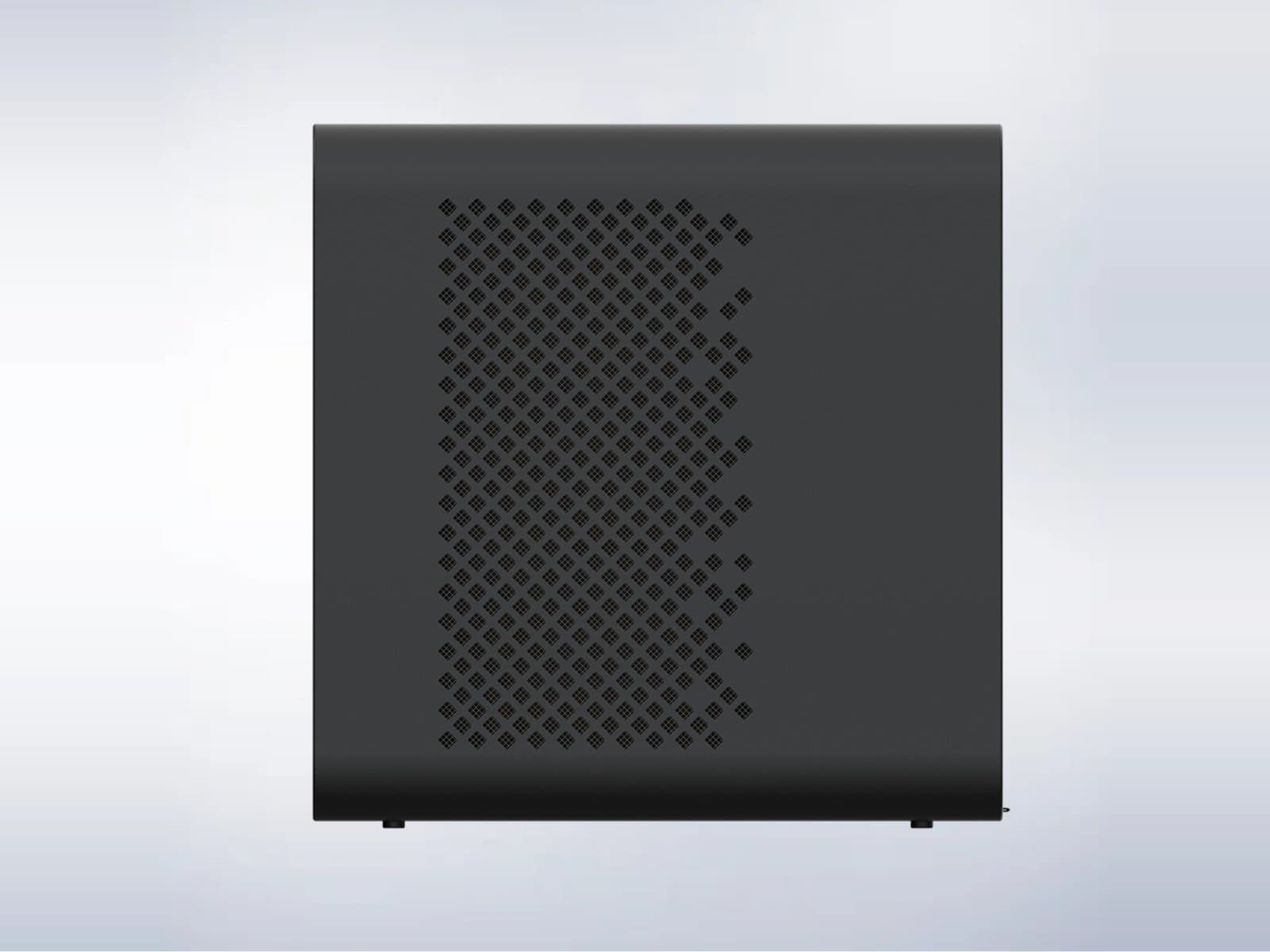
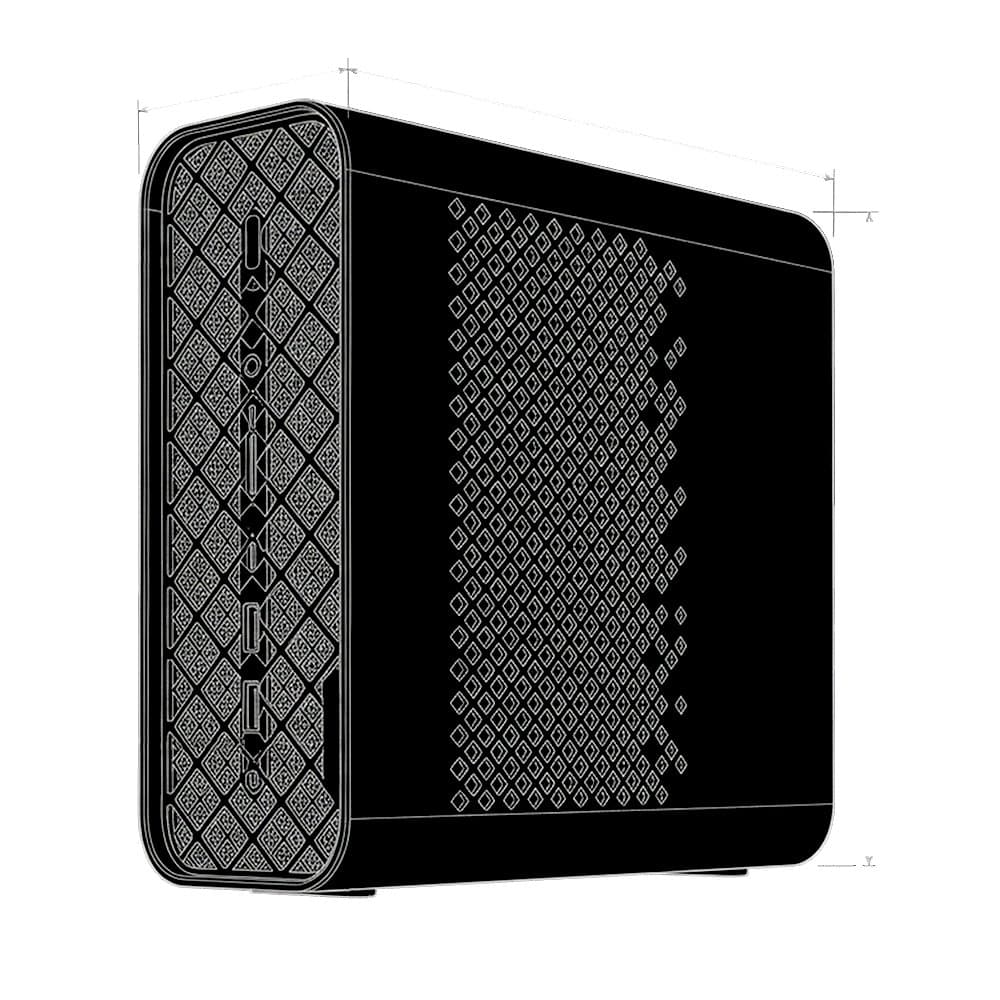
- Compact desktop, 70 × 197.8 × 200 mm (W × D × H)
- Power
- 240 W external adapter
- In the box
- The Eclipse and its 240 W adapter
- Warranty
- 2 years, handled directly by EMARQUE
Questions about the Eclipse
What is the EMARQUE AI Eclipse?
A compact AI desktop built around the AMD Ryzen AI Max+ 395, the processor AMD developed under the codename Strix Halo. Its 16-core Zen 5 CPU and Radeon 8060S graphics share 128 GB of fast unified memory, which suits large language models, agents and other memory-hungry AI work. It comes complete from the factory. We add your choice of Windows 11 Pro or Ubuntu Linux and storage, the Linux memory setup, the EMARQUE AI Utility, and a two-year warranty that we handle ourselves.How is the Eclipse different from AMD's Ryzen AI Halo developer box?
Both are built on the AMD Ryzen AI Max+ 395 with 128 GB of LPDDR5X-8000 unified memory at 256 GB/s, so they share the platform's capability. The Eclipse has two 10 GbE ports rather than one, you choose Windows 11 Pro or Ubuntu Linux and the storage when you order instead of taking a fixed image, and the warranty and support come from EMARQUE in Malaysia.Why does 128 GB of unified memory matter?
For local AI, how much of the model fits in memory matters as much as raw graphics speed. A typical desktop graphics card has 12, 16 or 24 GB of its own. On the Eclipse the graphics draw on the shared 128 GB at up to 256 GB/s: up to 96 GB under Windows, through AMD Variable Graphics Memory, and up to 120 GB under Ubuntu Linux, where we apply the BIOS and kernel settings before it ships. That is why it runs models that will not load on most desktop cards.What size of model can it run?
AMD states this platform holds models of up to 200 billion parameters in device memory with 128 GB installed (AMD figure). In practice, 7B models are quick for assistants and coding, 14B to 32B balance quality and speed, 70B-class models suit harder reasoning, and some quantised or Mixture-of-Experts models above 100B work well, depending on the quantisation, runtime and context length. The measured speeds above show what that looks like on our own units.Should I choose Windows or Ubuntu Linux?
Choose Windows 11 Pro if the Eclipse will also be an everyday PC: your usual applications run as normal, and LM Studio, Ollama and llama.cpp are easy places to start with local AI. Choose Ubuntu Linux if AI development is the main job. It has the full AMD ROCm stack for PyTorch, containers and serving, which Windows does not yet have in full, and it gives the graphics 120 GB rather than 96 GB. Both cost the same.What AI software runs on it?
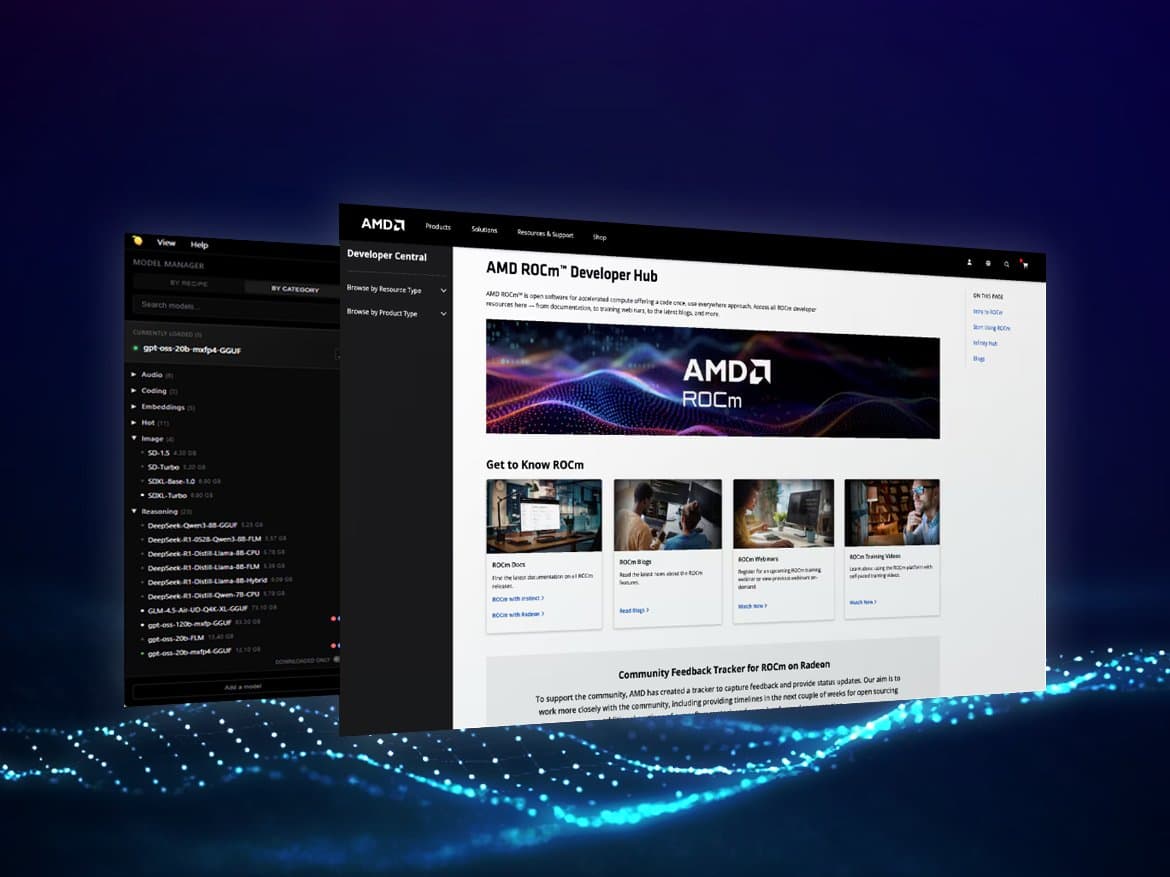
AMD lists support for llama.cpp, Ollama, LM Studio, vLLM, PyTorch and ComfyUI alongside its ROCm software, and the EMARQUE AI Utility comes set up on the machine. To run models, the Utility, LM Studio or Ollama is the easiest start. For development and serving, Ubuntu Linux with ROCm gives you the most. The best runtime still depends on the model, and this software changes quickly.Can it serve models to other computers?
Yes. llama.cpp and LM Studio can publish a model through an OpenAI-compatible API, so applications and other computers on your network use the model running on the Eclipse, and the two 10 GbE ports are there for exactly that. How many people one unit can serve depends on the model, how many ask at once and how quickly they need answers. Tell us and we will advise.Why does it have no Wi-Fi?
It is wired by design. Its two 10 Gigabit Ethernet ports serve models across your network, reach network storage quickly and link systems together, and a cable holds up better than wireless under steady load. If you need wireless, tell us before you order and we will advise.How do I buy one, or several?
Order one on emarque.co, where you choose the storage and the operating system and see the price. For several units, a setup with your own software, or help choosing, ask us for a quote. Every Eclipse carries a two-year warranty, handled directly by EMARQUE in Malaysia.
Get the Eclipse.
Order one on emarque.co. For several, or a setup with your own software, tell us what they should run and we reply with a written quote in MYR.